‘Nuevo Deco’ Debuts! A Retro-Futuristic Redesign of Art Deco Icon Series

Posted by: • Date:

For those of you who have followed the controversy over the posting of my Art Deco Series at MacThemes, ‘Nuevo Deco’, the new icon/clip-art series I’m launching tonight is my response to those who felt my original series looked “dated. Those of you who “got it” (the point of the so-called dated look) will get their turn, too, when I complete the technical clean-up over the next few weeks. While it is impossible to please all, I do hope most of you enjoy these new images as much as I enjoyed the challenge of creating them. The feedback from the MacThemers, all in all, was extremely helpful to me and inspired me to stretch a little more out of my comfort zone.

To those who have already downloaded files from my blog, you probably noticed that all the “icon” images are formatted as 512px X 512px .pngs – only. I have NOT included any other size or other formats. As a “freebie”, that’s all there is. You can create your own thumbnails, .icn, or .ico images from these yourself (see the “How-To” page). But for anyone who really is looking for a complete set of icons of all sizes and formats, please contact me off-line to discuss what your needs and purposes are and my fees for that type of service.

‘Nuevo Deco’ is a whopping 10-part Series!

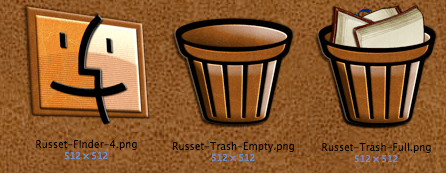
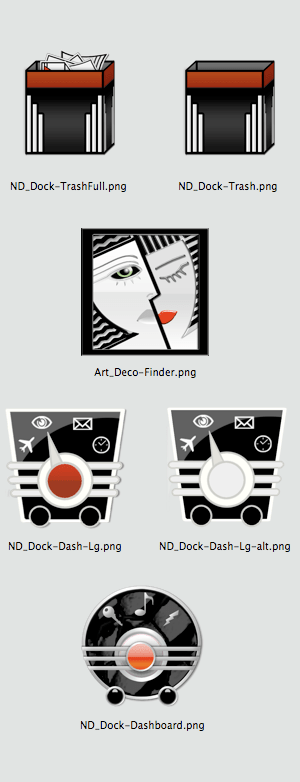
Tonight’s offering is the smallest group: images which are destined for the “Dock”, including an Empty Trash Can, Full Trash Can, Finder, and 3 different versions of an image to use for the ‘Dashboard’ application. If you’re working on a Windows or Linux platform, I’m sure you can find some alternative uses for these. I’d love to hear back from y’all. Enjoy! (BTW, I’d love to hear back from y’all. You can leave your comments by clicking on the COMMENT or REPLY buttons at the end of each post.)

Free Icons of the Day

The following images are reduced size previews. Simply right-click (or control-click) on the preview to save a zipped file to your desktop that contains all images in each preview group (each image is 512px X 512px in .png format) or, in the case of the individual icons, do your clicking on each one you’d like to download. As always, usage of any of the images offered on this blog are free for your personal use while subject to the limitations of my Creative Commons Non-Commercial – Attribution – No Derivatives – Share Alike- 3.0 license. (See sidebar for details)

Declaration of Principles & Russet Icons

Posted by: • Date:

The main difference between having my blog vs. uploading my icons and clip art to websites which host digital galleries and downloads is the opportunity to share a bit of the inspiration behind my art. I do this, first, to make it a little more interesting and to widen the scope of the potential viewers, and secondly, to hopefully get some dialog going or at least people thinking about subjects or points of view they may not have considered before or done anything about.

If I have any specific agenda at all to proselytize, it is to keep an open-mind; that honesty and integrity are the most valuable assets anyone can strive for (and the ONLY assets that anyone can actually “own”) and that each and every human being has the ability and responsibility to make a positive difference with their lives that goes beyond their purely personal interests.

That message is simultaneously ridiculously simple and impossible to quantify, impossible to define for somebody else. Yet, I truly believe that if we each live our lives with these goals at the forefront, we’ll recognize the opportunities to prove (not just say) what we stand for and substantiate the value of our lives. Whether you’ll be the one to invent a life-saving device on the level of a lightning-rod or be the one person who took the time to be kind to the kid everyone makes fun of, it all adds to a better world that would not have had a chance if you hadn’t looked outside of yourself, seen a need, asked yourself, first, “What if that were me?” and then “How can I help?”.

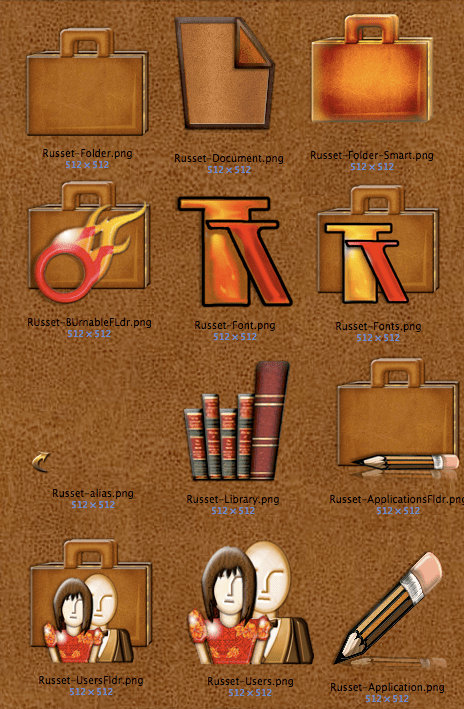
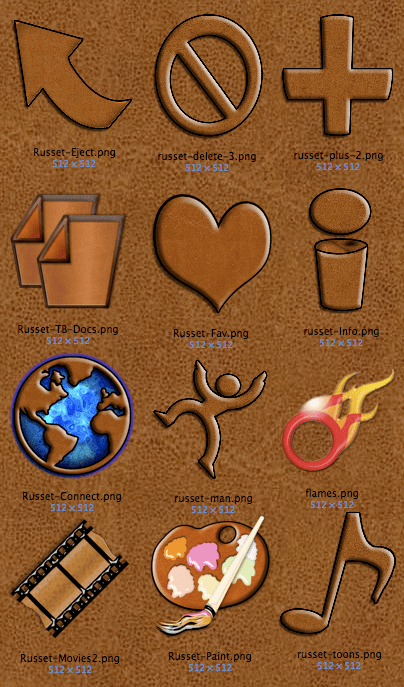
Ironically, this lovely, grand-sounding “Declaration of Principles” started out as an admission that the set of icons that I’m introducing tonight actually have no deep inspirational or even slightly interesting story behind them – merely a color and texture theme that I started to play with. I tried to retroactively come up with a pseudo-inspiration by doing a web-search on the name of both the color and series, “Russet”, which lead me to a number of both surprising and interesting topics (ranging from a hot copyright controversy about “Russet Noon”; a new iPhone App to read F. Scott Fitzgerald’s short-story “The Russet Witch” (which strikes me as a fodder for a Coen Brothers movie); a bizarre interview with Paula Abdul conducted by a Russet Potato and the methods for making russet fabric for uniforms during the Civil War). But as I’ve already confessed, there were no lofty thoughts behind this series, just a color that I find peaceful and reassuring.

Free Icons of the Day

The following images are either full or reduced size previews. Simply right-click (or control-click) on the preview to save the image(s) of your choice to your desktop. (Unless otherwise noted, downloads are 512px X 512px in .png format). As always, usage of any of the images offered on this blog are free for your personal use while subject to the limitations of my Creative Commons Non-Commercial – Attribution – No Derivatives – Share Alike- 3.0 license. (See sidebar for details)
Russet-Global-Preview.png

Russet-Toolbar-Preview.png

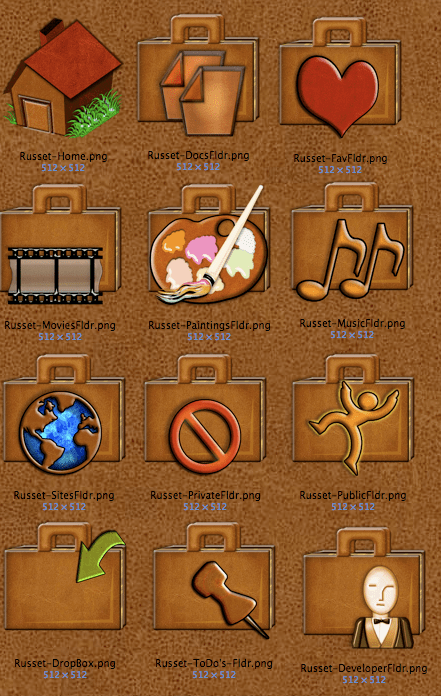
Russet-UserFldrs-Preview.png

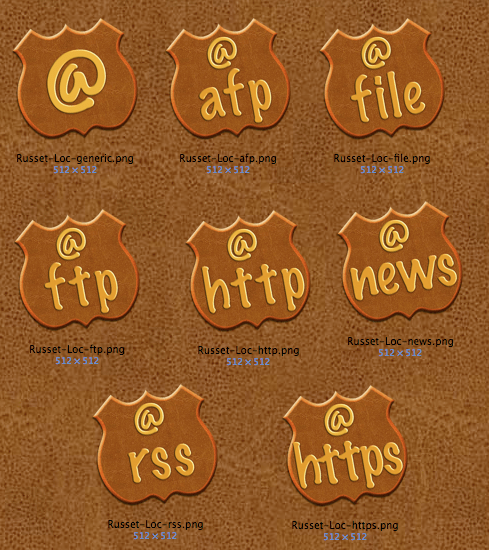
Russet-Locations-Preview.png

Russet-Dock-Preview.png

Art Deco Wallpaper

Posted by: • Date:

What good is it to customize your icons if you’re stuck with the same old wallpaper on your desktop – or a desktop picture which clashes with your new look? You could scour the web for an alternative – or – spend hours and hours creating your own – or – better yet, check out tonight’s selection of desktop pix I created specifically to go with my Art Deco icons. Most work great with any size and resolution monitor but if playing around a bit with the Appearance setting options (centered, stretch to fit, stretch to fill) that’s found in System Preferences if you’re on a Mac, post a comment here and let me know which desktop picture and what size you need and I’ll post them in an update. Enjoy!

Free Icons (er, uh, Wallpaper) of the Day

The following images are either full or reduced size previews. Simply right-click (or control-click) on the preview to save the image(s) of your choice to your desktop. (Unless otherwise noted, downloads are 512px X 512px in .png format). As always, usage of any of the images offered on this blog are free for your personal use while subject to the limitations of my Creative Commons Non-Commercial – Attribution – No Derivatives – Share Alike- 3.0 license. (See sidebar for details)
Manhattan-1_1600x1024

Manhattan-2_1600x1024

Manhattan-3_1600x1024

Manhattan-4_1600x1024

<p class="PAD" style="line-height:103%;margin-bottom:5px;text-align:center;background-color:transparent;"Manhattan-5_1600x1024

Anthurium_1600x1200

IDI-1933_1600x1200