Nuevo Deco Folder Icons

Posted by: • Date:

For those who remember my post from a month or so ago that showed a side-by-side comparison of my original Art Deco Series and the proposed revision, you might wonder what happened to the angled perspective shown for the revised folders. After playing around with it for a while, I settled on a head-on front view for the folders (and most other icons) because it was both cleaner and looks better with the flat, sticker style, especially when a folder gets badged with an application or other icon. As to the accent color on the folder, I decided not to settle on a single version to be used for everywhere because I personally like to use different colors to differentiate what’s in a generic folder from a quick glance. For example, I’ll set all of my family files to blue, financial files to green, “work-in-progress” files to red, etc. Of course, the computer’s operating system will only allow a single choice for the generic default folder but nothing prevents you from either manually reassigning a different one to any folder desired after it’s been created – and if you really are into being efficient, you can create a folder action* to automatically set the icon of your choice anytime a new folder is created in a certain location.

* FOLDER ACTIONS
Check out these sites for how-to’s as well as
some pre-made folder actions.

• add_folder_icons/
• create-a-folder-action-using-automator
• automate-changing-icons-for-apps
• macscripter forum

Free Icons of the Day

The following images are reduced size previews. Simply right-click (or control-click) on the preview to save a zipped file to your desktop that contains all images in each preview group (each image is 512px X 512px in .png format) or, in the case of the individual icons, do your clicking on each one you’d like to download.

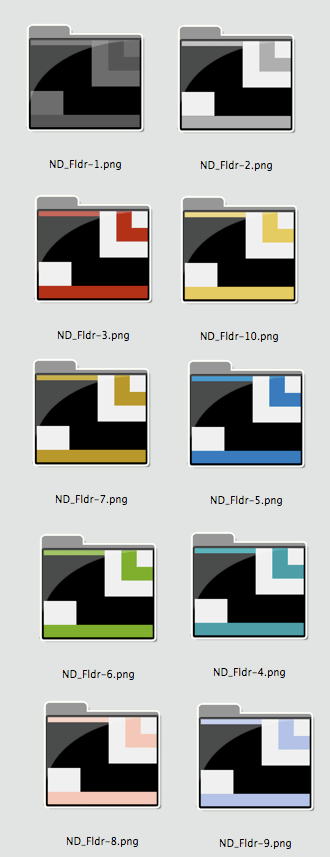
ND_Fldr-3

Reduced Preview of Nuevo Deco Generic Folders

Add to FacebookAdd to DiggAdd to Del.icio.usAdd to StumbleuponAdd to RedditAdd to BlinklistAdd to TwitterAdd to TechnoratiAdd to Yahoo BuzzAdd to Newsvine

Location! Location! Locations!

Posted by: • Date:

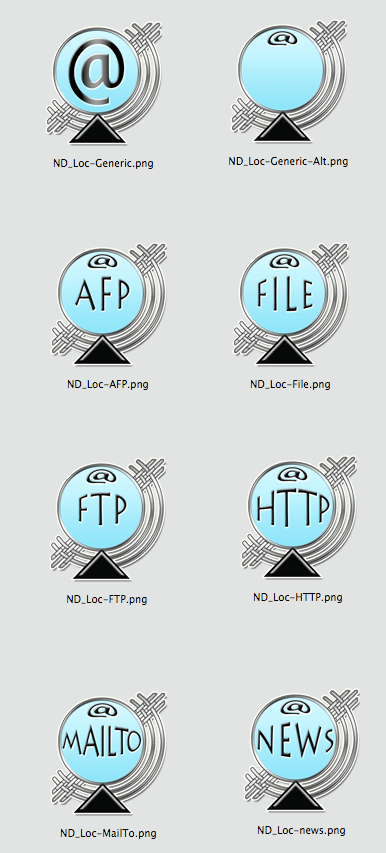
Don’t know about you, but the “location” category of icons are the 2nd most frequent ones I see on my desktop as I’m always dragging off url’s from websites, emails and other documents (I only bookmark locations that I expect to return to multiple times and put the ones I intend to check out just once – but later – on my desktop.). As a result, having a good looking location icon is important to me and I tend to swap ’em out fairly frequently so I don’t get bored. The batch I’m posting today are Part 3 of my Nuevo Deco Series. Hope you like them, and…

Enjoy!

Free Icons of the Day

The following images are reduced size previews. Simply right-click (or control-click) on the preview to save a zipped file to your desktop that contains all images in each preview group (each image is 512px X 512px in .png format) or, in the case of the individual icons, do your clicking on each one you’d like to download.

Nuevo Deco - Location - HTTP  .png

Reduced Preview of Nuevo Deco Locations Icons

Add to FacebookAdd to DiggAdd to Del.icio.usAdd to StumbleuponAdd to RedditAdd to BlinklistAdd to TwitterAdd to TechnoratiAdd to Yahoo BuzzAdd to Newsvine

Let it Snow!

Posted by: • Date:

Let it Snow!Let it Snow! Let it Snow!

The Christmas Season has officially begun here on WordPress.com where they have made this delightful feature available to it’s bloggers that snows on our blogs. Just looking at it made me have to ask my nurse for another blanket! (Ah, the power of the mind and subliminal suggestions). In any case, I couldn’t let this feature go by without inaugurating it with a somewhat Christmassy bit of icon/clip-art. Not very fancy as I threw it together rather quickly today but it gets me in the mood to come up with something more.

Enjoy!

Free Icons of the Day

XmasWindow-2009